METATRADER 5 · XAUUSD · INSTALLS IN UNDER 10 MINUTES
An MT5 trading bot that does one thing properly
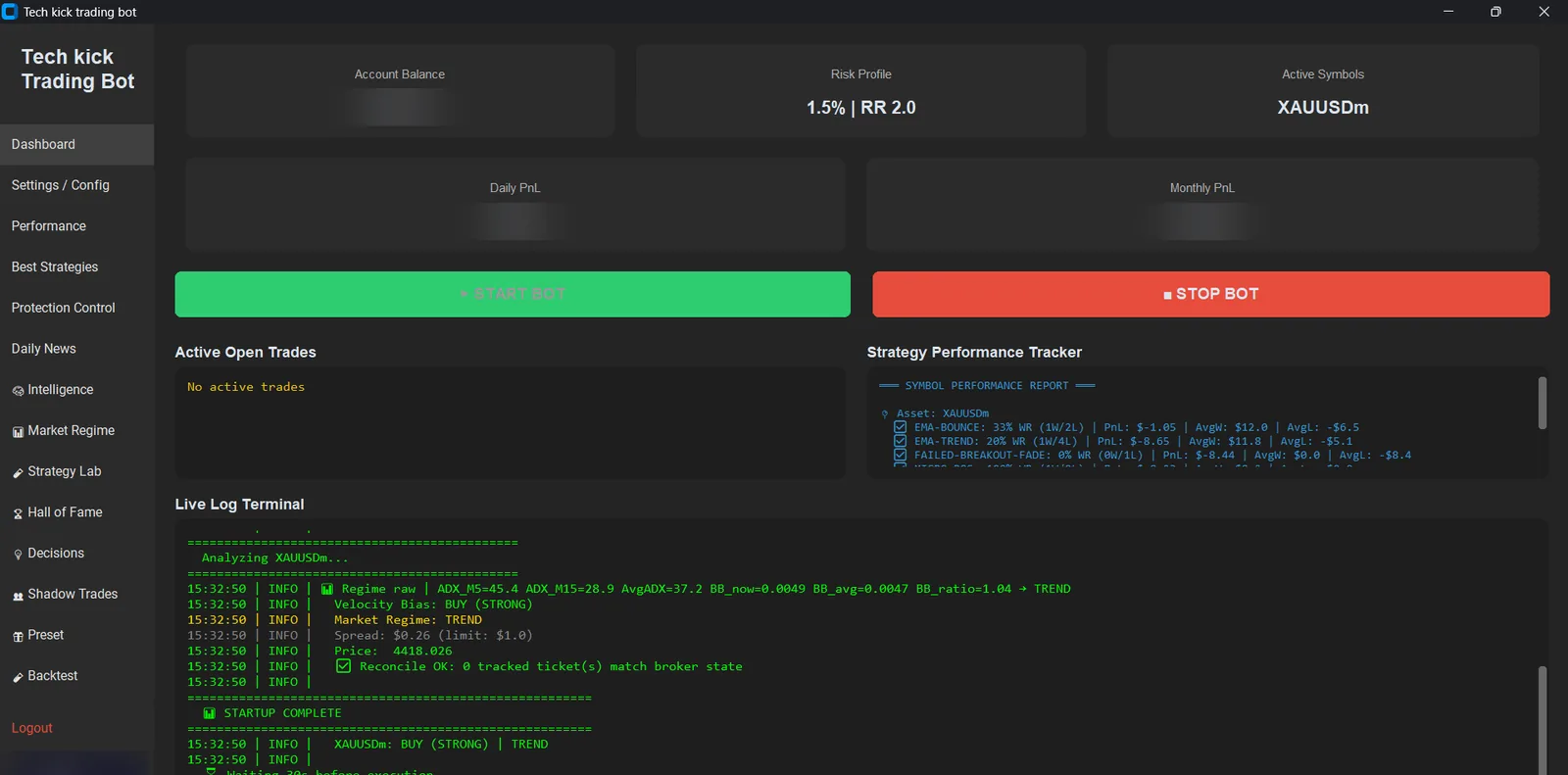
Not forty pairs, not five platforms, not thirty strategies switched on at once. One instrument — XAUUSD — on MetaTrader 5, with four strategies that survived testing and thirty that did not.
Installing it on MetaTrader 5
The software takes under ten minutes. The parts worth not rushing are the demo week and the VPS.
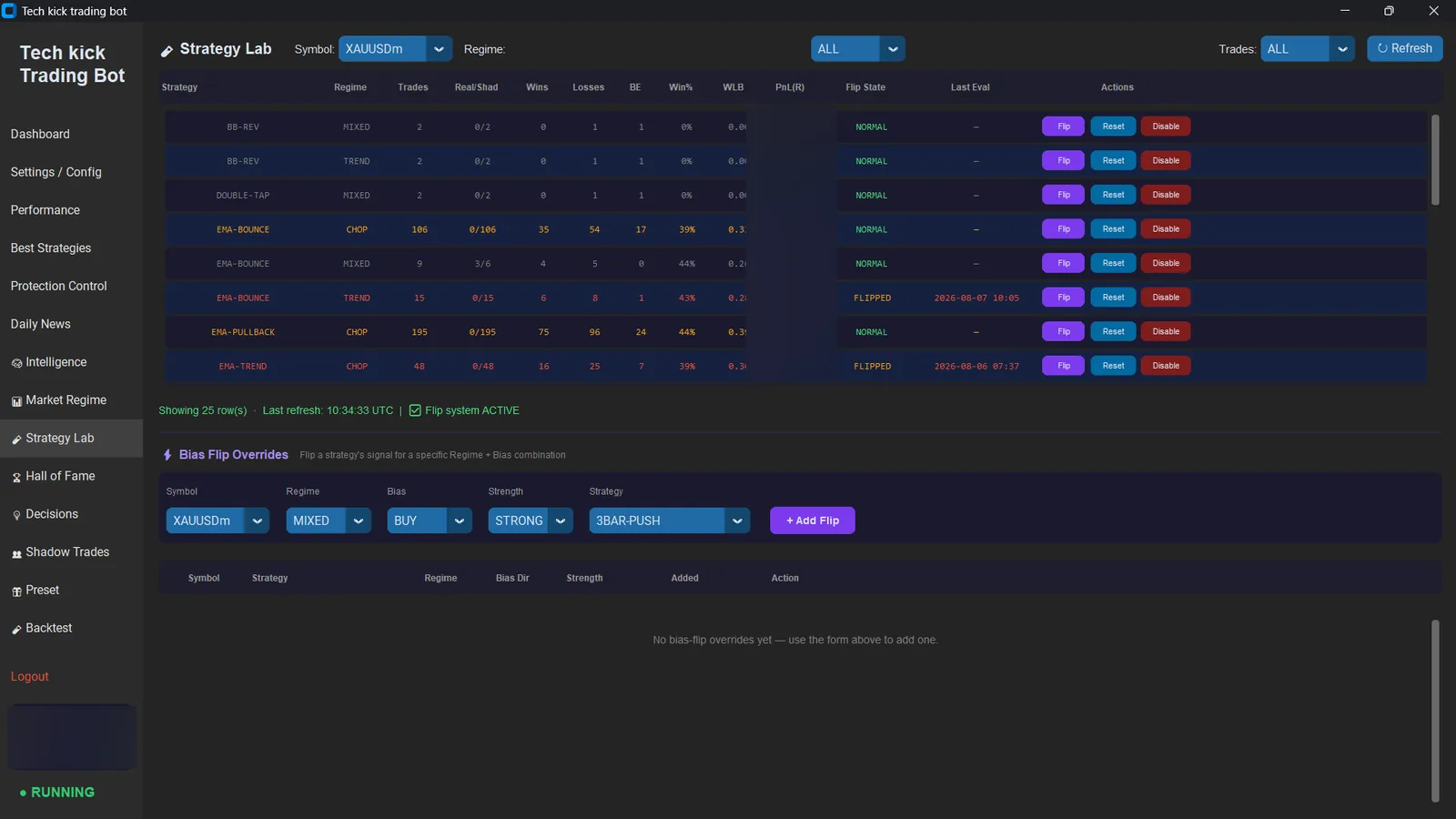
One thing to know before the steps, because it is not how most MT5 bots install: this is not an .ex5 file. There is nothing to drop into the Experts folder, nothing to drag from the Navigator onto a chart, and no smiley face to look for. It is a separate program that connects to your running MetaTrader 5 terminal and places orders through it. The practical consequence is that it cannot be loaded into the terminal’s Strategy Tester — backtests come from our own replay engine, which runs the identical signal code over recorded bars, and the results are published rather than left for you to reproduce.
- 01
Open or log into a MetaTrader 5 account
Any MT5 broker offering XAUUSD works. Raw-spread or ECN account types are strongly recommended — the strategy mix is spread-sensitive and a wide standard-account spread erodes the edge. The bot is pre-configured for Exness ECN and Raw Spread, including their symbol naming, so that path needs no changes.
- 02
Install the bot and enter your licence key
Run the installer and paste the licence key emailed to you at purchase. The licence is hardware-locked to one machine or VPS. Contact support to move it to a different device.
- 03
Connect it to your MT5 terminal
Point the bot at your running MetaTrader 5 terminal and confirm it reports the correct account number and balance. If the balance reads zero or the symbol is missing, the terminal is not logged in or the symbol is not enabled in Market Watch.
- 04
Set your risk and daily limits
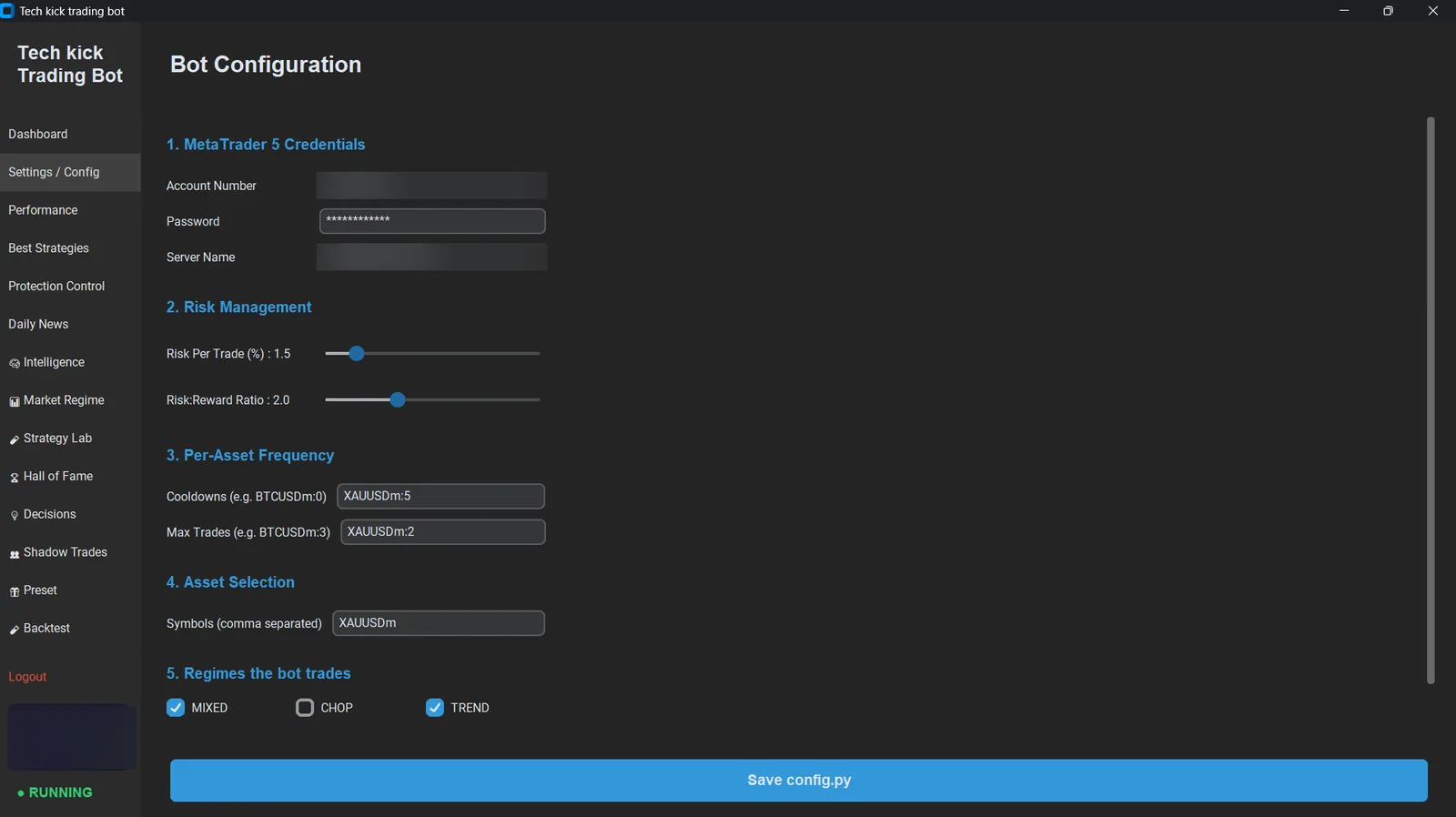
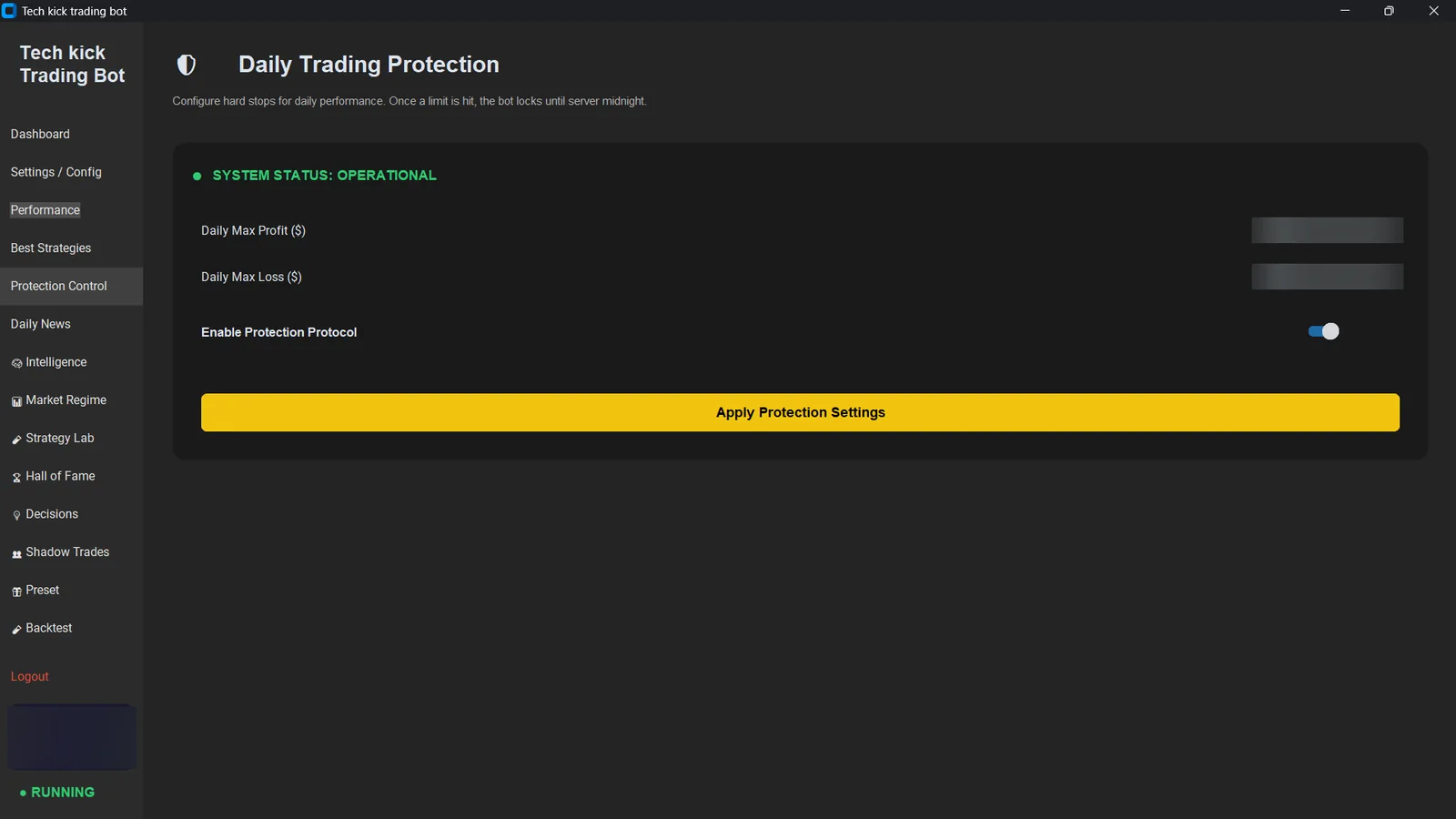
Defaults are 1.5% risk per trade at a 1:2 reward-to-risk ratio, with hard daily profit and loss thresholds. On a prop firm account, set the daily loss limit below the firm's drawdown rule with room for spread and slippage.
- 05
Run it on demo for a full week first
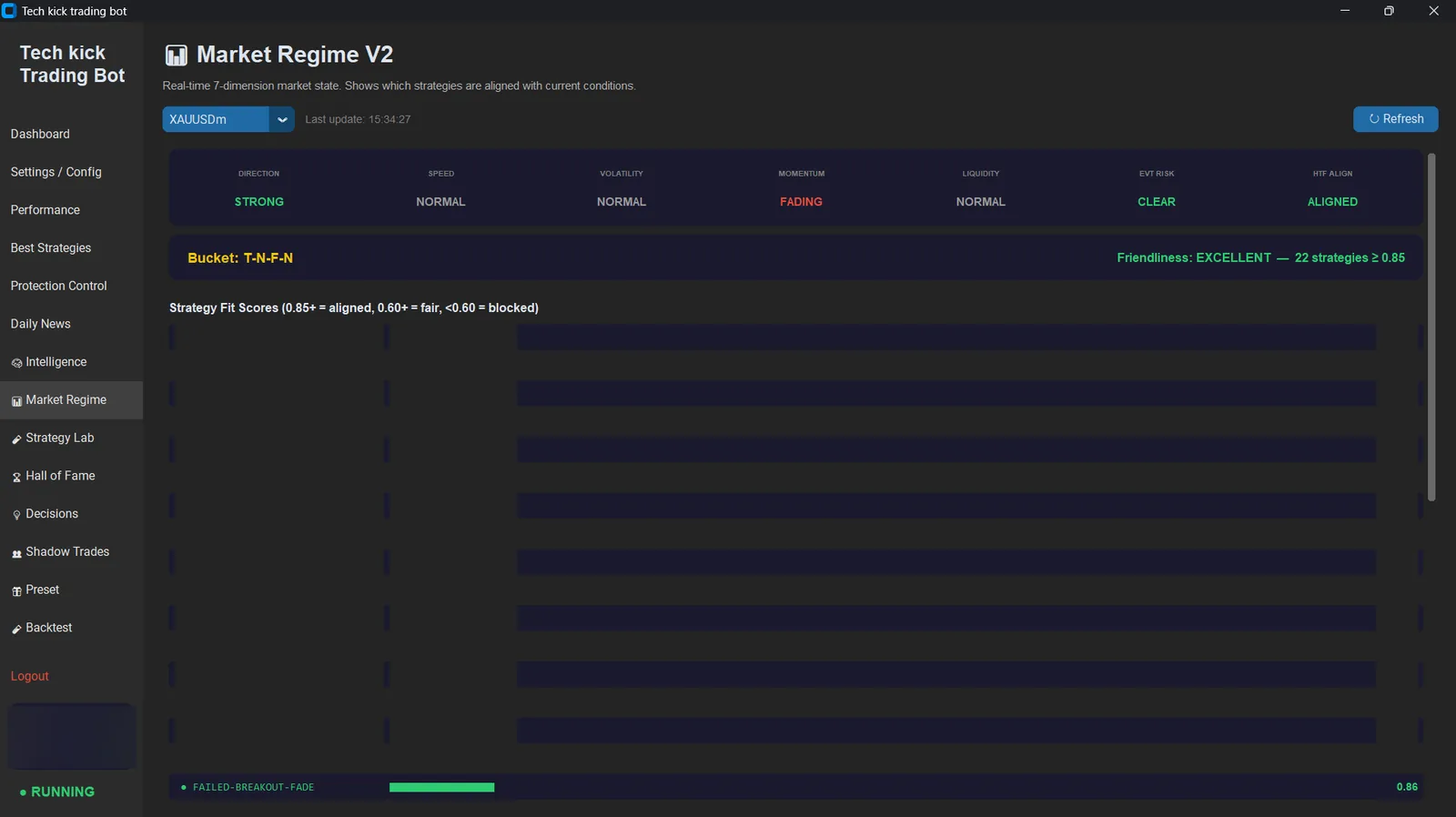
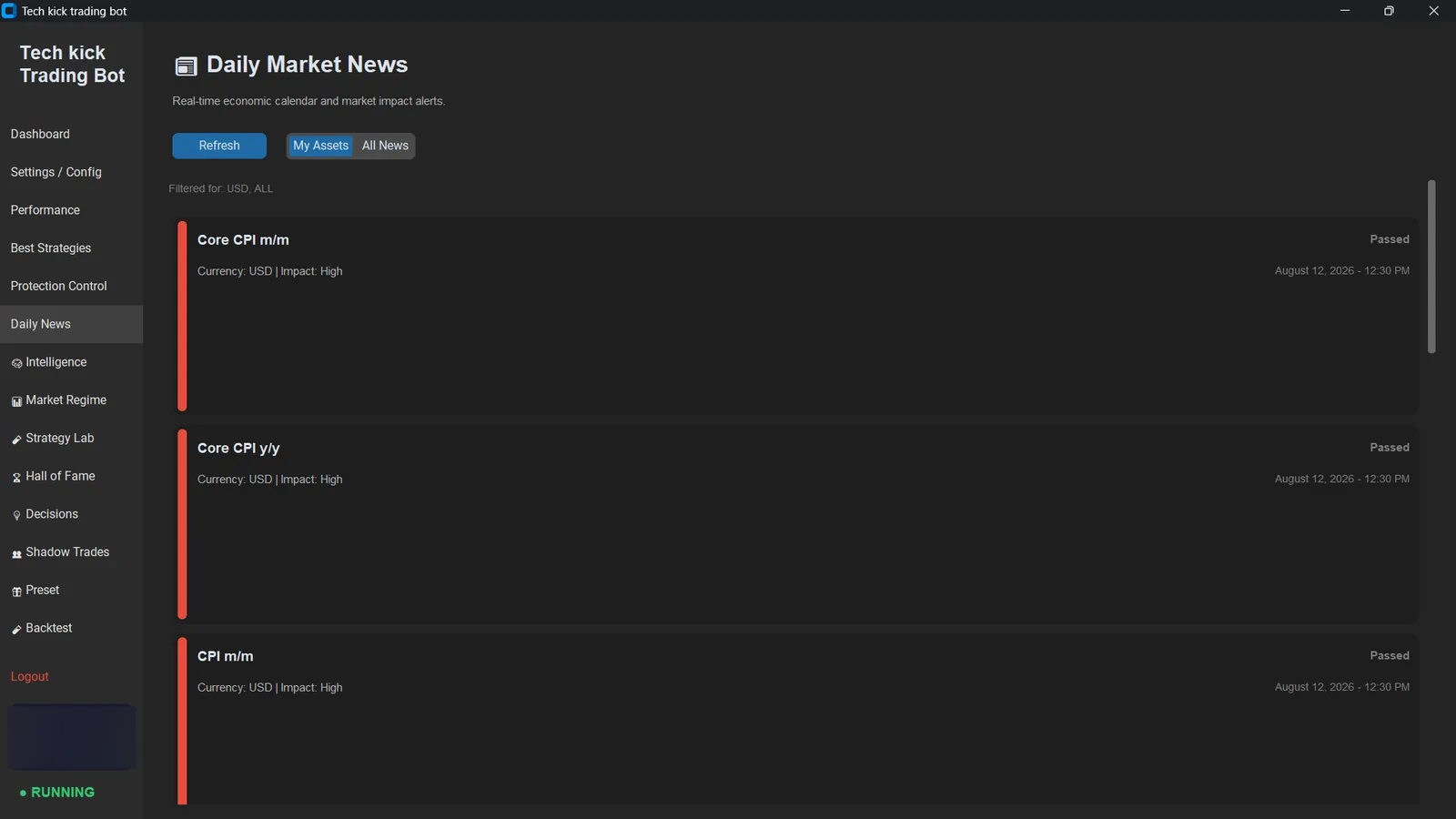
Include at least one high-impact news day so you can watch the news shield refuse entries rather than wondering whether it works. Read the decision log — every trade taken and every one declined, with the strategy that produced it named.
- 06
Move it to a VPS before going live
The bot needs MetaTrader 5 running to trade. A Windows VPS keeps it online through reboots, power cuts and internet drops, and sitting closer to the broker reduces execution latency. A sleeping laptop has ended more runs than bad strategies have.
What you need
| Platform | MetaTrader 5 | MT4 is not supported |
|---|---|---|
| Broker | Any MT5 broker offering XAUUSD | Pre-configured for Exness ECN / Raw Spread |
| Account type | Raw spread or ECN strongly preferred | The strategy mix is spread-sensitive |
| Operating system | Windows 10 / 11, or a Windows VPS | VPS is the normal production setup |
| Balance | $100 to run · $700+ recommended | Below $700 the lot floor overrides your risk setting |
| Licence | Hardware-locked to one machine | Transferable via support |
Why one symbol and one platform
Every parameter in a trading bot encodes an assumption about the instrument. Stop distances assume a noise floor. Spread ceilings assume a typical spread. Session logic assumes the market closes. Those assumptions do not survive being pointed at a different asset.
We learned that the expensive way. The bot traded Bitcoin alongside gold until it had produced 117 trades at a 28% win rate for a net loss — not because it was wrong about direction, but because stops calibrated to gold's noise floor sit inside bitcoin's. We wrote up what broke.
So when you see a bot advertising twelve supported pairs, the useful question is which ones it was actually tuned and measured on. Usually the honest answer is one, and the rest are the same parameters pointed somewhere hopeful.
MT5 trading bot FAQ
What is an MT5 trading bot?
An MT5 trading bot — also called an auto trading bot or Expert Advisor — is software that runs alongside MetaTrader 5 and opens, manages and closes trades automatically using pre-coded rules. Once configured it needs no manual input. Tech Kick Bot is an MT5 bot built specifically for XAUUSD: 34 strategies were built and tested, and the four that proved an edge ship enabled.
Which MT5 brokers does it work with?
Any MetaTrader 5 broker that offers XAUUSD. It is pre-configured for Exness ECN and Raw Spread accounts including their symbol naming convention, so those need no setup changes. Other brokers work but you should confirm the gold symbol name matches and check the typical spread — the strategies are spread-sensitive, and a wide standard-account spread will erode results regardless of how good the entries are.
How long does installation take?
Under 10 minutes for the software itself: install, enter your licence key, connect it to your running MT5 terminal, set your risk parameters. Getting it onto a VPS takes longer the first time, and we would rather you spent a week on demo before going live than rushed either step.
Do I need to keep my computer switched on?
The bot needs MetaTrader 5 running in order to trade, so either your machine stays on or it runs on a Windows VPS. A VPS is the normal setup and costs a few dollars a month — it keeps the bot online through reboots and connection drops, and reduces execution latency by sitting closer to the broker's servers.
Will it work on MT4?
No. This is an MT5 bot. MetaTrader 4 uses a different programming language and a different order model, and the strategies rely on MT5 behaviour. We would rather support one platform properly than two badly — the same reasoning that led us to trade one symbol instead of five.
Can I run it on more than one account?
Each licence is hardware-locked to one machine or VPS. If you need it on a second device, contact support — transfers are handled through the licensing portal and multi-device arrangements are available.
How much money do I need?
It runs from $100, but $700 is where the risk model starts working properly and $1,000 is where the backtested figures were measured. The broker's minimum trade is 0.01 lots, roughly $9 to $12.50 of risk on gold — on a $100 account that is about 10% per trade rather than the 1.5% you configured, because the trade cannot be made smaller. The bot warns you about this at startup.
Start on demo
Run it for a week on a demo account, through at least one news day, and read every decision it logs. Thirty-day guarantee if it is not for you.